6 modules
Bar
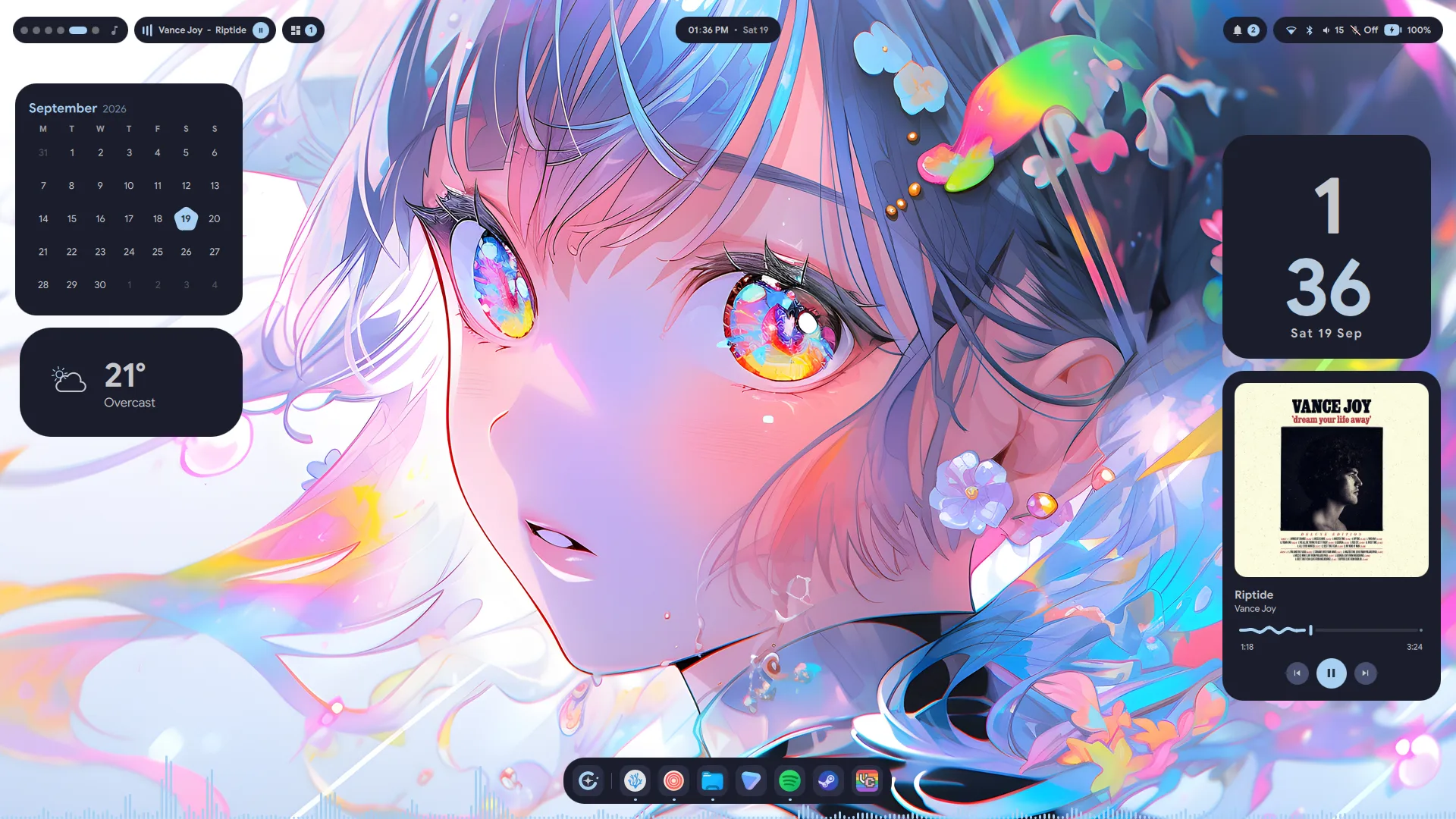
Workspaces, media, tray, clock, notifications and system, each a pill that opens into a panel. Float them as islands, or sit them in a notch flush with the screen edge.
Lucid is a Material 3 Expressive shell for Hyprland, built on Quickshell. A bar, a dock that grows into a launcher, desktop widgets, a lock screen and a settings app, all wearing the colours of whatever is on your screen.
$ git clone https://github.com/Sn3akyy1/lucid.git && cd lucid && ./install.sh
New releases, what is coming next, and anything else worth knowing. When a version lands, the shell tells you itself, in a notification just like this one.
Every surface shares one palette, one set of motion curves and one settings app. The bar, the dock and the lock screen look like they came from the same place because they did.
Workspaces, media, tray, clock, notifications and system, each a pill that opens into a panel. Float them as islands, or sit them in a notch flush with the screen edge.
Wi-Fi and Bluetooth with full panels behind them, brightness, volume and audio device switching, then battery, RAM, CPU and every disk.
Music, chat and your to-do list slide over whatever you are doing and hide again with the same key. Each one starts its app if it isn't running.
A floating toolbar that grows into the launcher instead of opening a second window over it. One search field over apps, commands, themes, wallpapers, power and clipboard history. Type = for a calculator.
Clocks, calendars, weather, media, a live visualiser, notes, to-dos and your phone. Drag them anywhere, snap to the guides, and they come back where you left them.
A GUI for all of it, down to your network, Bluetooth, displays, idle ladder, user accounts and phone. Every control shows a reset arrow once it moves off its default.
A real session lock that checks your password through PAM and counts your tries against faillock, with a matching login screen for SDDM.
Matugen and Pywal build a Material 3 palette from your wallpaper. Catppuccin Mocha, Gruvbox, Nightfox, Nord and Tokyo Night stay put. Every one of them has a light mode.
The same controls as Settings → Theme, running on the palettes the shell ships. Your pick sticks, on every page, until you change it.
The installer checks your system, asks before it installs anything, and backs up whatever it replaces.
$ git clone https://github.com/Sn3akyy1/lucid.git
$ cd lucid
$ ./install.sh
Then run hyprctl reload, or log out and back in. On first run, set a wallpaper from Settings → General. That is what generates your palette.
~/.config/quickshell, moving any existing config aside with a timestamp first.--no-look skips all of it.The installer ships a full set of binds. If you'd rather write your own, every surface can be driven with qs ipc call.
Launcher
Super tapCommand palette
Super+PWorkspace overview
Super+WSettings
Super+SEmoji picker
Super+.Clipboard history
Super+Shift+VCopy text off the screen
Super+Shift+TOn-screen keyboard
Super+KFixes for the problems people hit most: choppy animations on NVIDIA, another daemon stealing notifications, a grey palette, blur that frosts your windows.
Search answersFill in a short form and open a GitHub issue that already holds your versions, your steps and your log.
Build a reportv1.1.0 brought a PAM lock screen, Lucid's own polkit agent, user accounts, a login screen and a real light mode.
Read the changelog